
My notesCertification & growth
Authentication and authorization: two doors between you and that resource
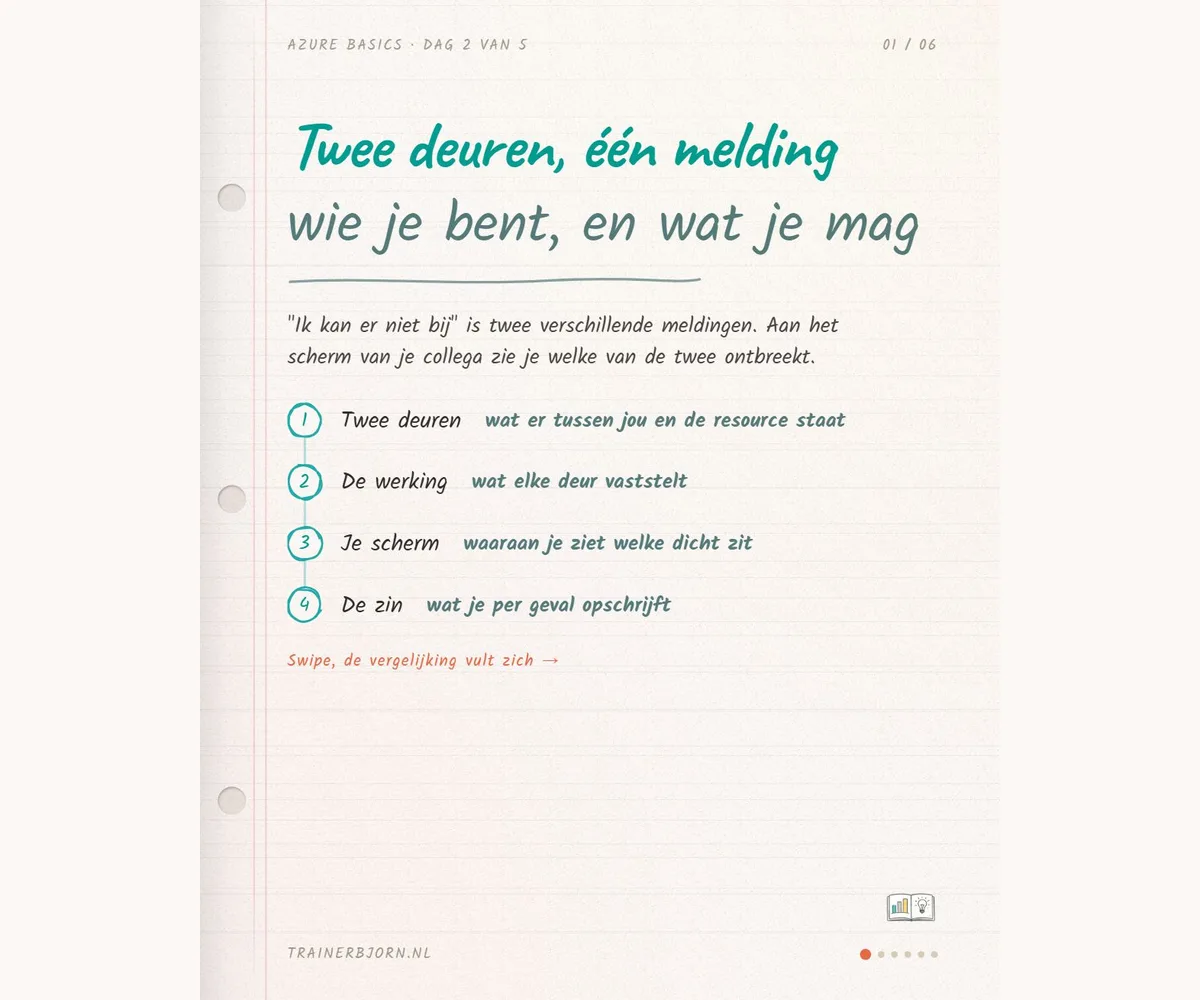
Your team’s scheduling tool runs in your own department’s space, one resource with its own name, same as your webmail (day 1 of this series already drew that line). Now two colleagues need access. Both say “I can’t get in”, and you are the one forwarding the request. Do you know, for either of them, whether they got past the login screen? That is exactly where the difference sits, and it decides what you write in that request.
Between you and that one resource sit two doors. The first asks who you are, the second asks what you are allowed to do, and only the second one knows which resource you mean.
What the first door establishes
Authentication is the step where the system establishes who you are. Your work account and password go in, one outcome comes out: it is now certain that you are you. Nothing more. This door has never heard of your scheduling tool, it only knows you, and when it stays shut you never get past the login screen. Nothing after this step happens before it closes.
What the second door needs
Authorization is the step that fixes what you are allowed to do on one specific resource. It never follows automatically from the first door: being logged in does not mean an assignment exists for you. That assignment has three parts, who it is, what they are allowed to do, and on what. Miss that third part and you stare at an empty list with a perfectly valid account. Nothing is broken, an assignment on that exact resource was simply never made.
Two screens, one request
You forward the request either way, and up to that point the two cases look identical: a colleague who says they cannot get in. The first colleague never gets past the login screen, so it is not even established who they are yet. The first door is shut. The second colleague logs in fine, and the moment they open the scheduling tool they see an empty list. The second door is missing an assignment.
For the first colleague there is nothing to ask for, their account simply does not work yet. For the second, you name the scheduling tool and what they need to do with it, read the plans or also edit them, and that is the exact sentence the request needs.
The question for your next request
Did your colleague get past the login screen, yes or no? That is the entire question, and I would ask it before forwarding the request. Access always belongs to a person and to one resource, so “just give them access” is not an actionable request, it is missing a name or missing a resource, often both.
The same holds on your side of the work. Who can open a report in Power BI or Fabric runs off the same accounts and groups as that scheduling tool. These two doors are about getting in and about being allowed in. What you then see inside that report gets settled somewhere else, another part of this series.
Running into a request where you are not sure which door is shut? I’m happy to think it through with you, see trainerbjorn.nl.