
My notesPractical Power BI tips
The Power BI date picker: calendar month or rolling window
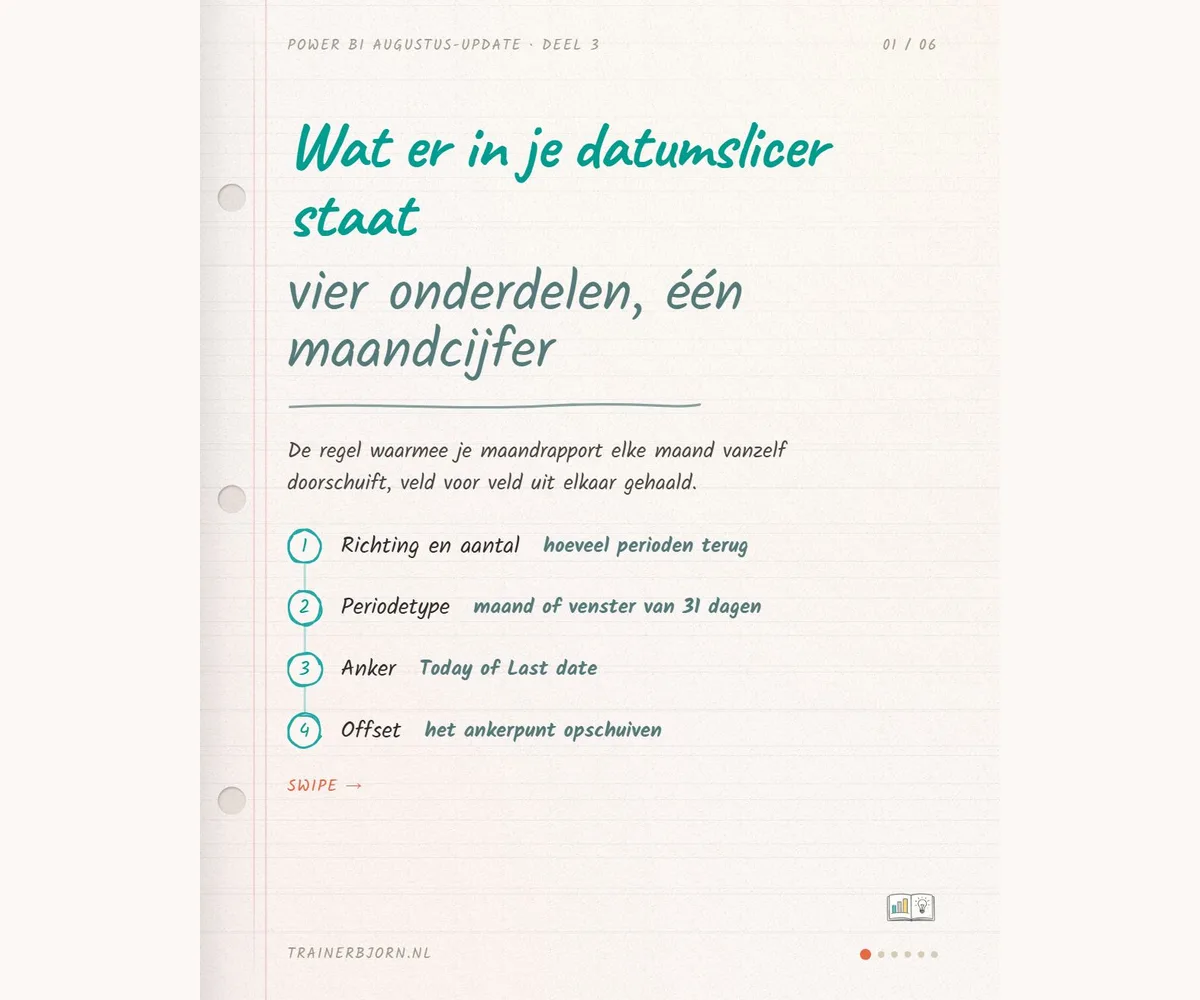
Twelve times a year, somewhere, someone drags a date slicer forward to the new month by hand, and that works fine until the morning it slips their mind. Since the August update of Power BI you can lock that habit into the slicer itself: not as a fixed month, but as a rule the report recalculates every time it opens.
What the date picker takes in and gives back
The date picker is the setting on your slicer, the block your reader clicks to filter the rest of the page, where you lock a rule onto your date column instead of clicking a fixed date. Three fields in that rule decide what you get back: direction and count (Last 1, for example), the period type (Months, or Months with the Calendar addition), and the anchor, the point the report counts back from, which defaults to today. A fourth field, offset, shifts that anchor one step further and sits on zero in most reports.
What comes back is a start and end date, recalculated the moment someone opens the report. What sits inside that window comes from refresh: the date picker only moves the window, fetching the layout and the numbers stays a separate step.
Ruben and the July numbers
Ruben is a sales manager at a technical wholesaler. He set up his monthly report in early July and pointed the slicer at June, the month that was closed at the time. Monday 3 August, quarter past eight, he needs to prepare for the nine o’clock sales meeting where the July numbers are on the table.
He sets the rule to Last 1 Months with Calendar, anchor on today. On that Monday it resolves to 1 through 31 July, and his report shows EUR 480,000 in revenue, exactly what finance reports too. In September the same rule resolves to August on its own, without Ruben clicking anything.
Same morning, different period type
Same screen, same morning, and exactly one thing changes: the Calendar addition comes off. Last 1 Months now counts one month back from 3 August and returns a 31 day window, 4 July through 3 August, that happens to end today.
The first three days of July fall outside that window, and they carried EUR 35,000 in orders. Nothing replaces them: 1 and 2 August were Saturday and Sunday, and this Monday morning’s own orders are not yet in the model at quarter past eight. Ruben would open his meeting with EUR 445,000 while finance quotes EUR 480,000, and the two settings in the window are named almost identically.
The question for your monthly report
Ask yourself one question before you open your own monthly report: am I discussing a calendar month, or a period that ends today? For monthly figures that is almost always the calendar month, so add the Calendar setting. If a report belongs to one closed period instead, like the quarter that went to the accountant, keep the selection fixed rather than making it relative: that is where you want the view to stay put.
Check tomorrow whether your own monthly report carries the Calendar addition after the period type. Does this match your own report, or do you run into a situation this does not cover? I am happy to think it through with you, check trainerbjorn.nl.