
My notesPractical Power BI tips
Refreshing in Power BI: schema, data, or both
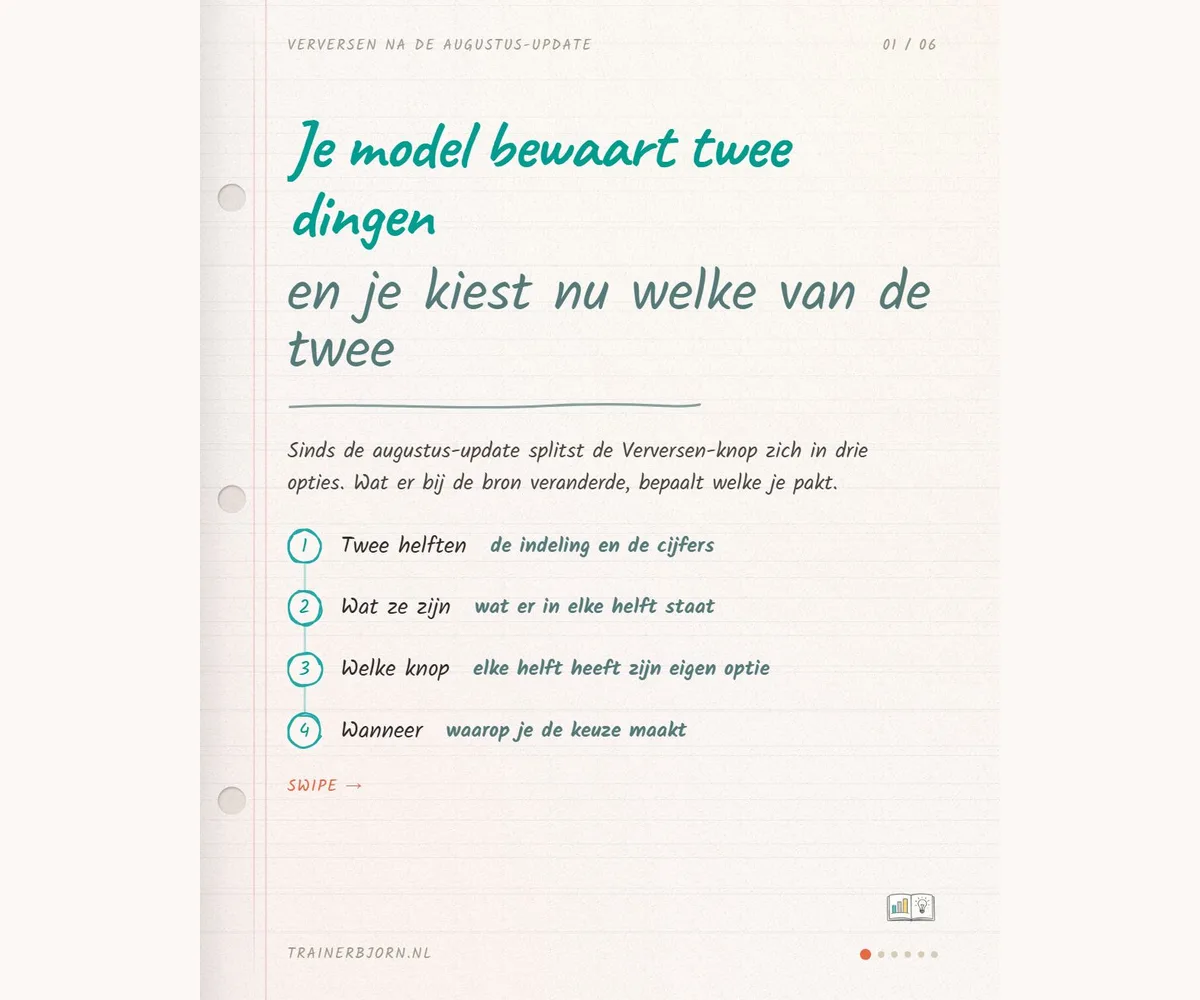
You click Refresh to get today’s numbers, and that is true, but it is not the whole story. That one button always did two things: first your model adjusts its own structure to match the source, then it pulls in the numbers. Since the August update to Power BI, you can say which of the two you actually need, and that changes what you click tomorrow.
What happens when you hit Refresh
Your semantic model, the published model behind your reports, keeps two things apart: the schema, meaning which tables and columns it holds, and the data itself. Refresh always did both, in that fixed order: first the model checks the source structure again, then it pulls in the numbers. In the Power BI Service, the web version in your browser, you can now expand the Refresh button and see three separate options: Refresh schema and data, Sync schema only, and Refresh data only. You can also do this at the table level instead of for the whole model.
The column Marije did not see
Marije is a controller at an installation company. Tuesday morning, quarter to nine, she wants to split March’s margin into orders with and without a service contract, because she is in the management meeting at ten. Admin added that column to the order list on Monday.
She refreshes her model: she lets it look at the source again. She picks Refresh data only, because that sounds like exactly what she needs. She does get fresh numbers: March shows 512 orders, 840,000 euro in revenue, 22 percent margin. Only the Service contract column is not there, so she cannot make the split she needs by ten. The model updated the numbers and left the structure exactly as it was, precisely what that option promises.
Same morning, different choice
Same morning, same source, and one thing changes: she picks Refresh schema and data instead. The model checks the structure first, sees the Service contract column, and only then pulls in the numbers. Now her overview does split: 610,000 euro under contract at 27 percent margin, 230,000 euro without at 8 percent. Same 512 orders, and now she has the answer the management team asked for. The only thing that went differently is which option she clicked.
The two questions for tomorrow
Ask yourself two questions before you hit Refresh: has anything about the structure changed at the source, and is the data older than what I need? Old data alone points to Refresh data only. A changed structure alone points to Sync schema only. Both at once points to Refresh schema and data, the old button. That last case is Marije’s case, and in my experience it is also the most common one: a new column at the source usually means new rows too.
The catch with refreshing one table alone
You can also do this per table instead of for the whole model, and that saves time once you know only one source has changed. The price you pay: refresh a single table on its own, and that report ends up with numbers from two different moments sitting side by side. Know that before you use it, and it becomes a deliberate choice instead of a surprise later.
Expand your Refresh button tomorrow and see which three options sit underneath. Then you will not have to search when it happens to you.
Recognize this on your own model, or stuck on a situation that does not fit this pattern? I am happy to think it through with you, find me at trainerbjorn.nl.