
My notesPractical Power BI tips
Power BI Desktop: saving to OneDrive and SharePoint stops in October
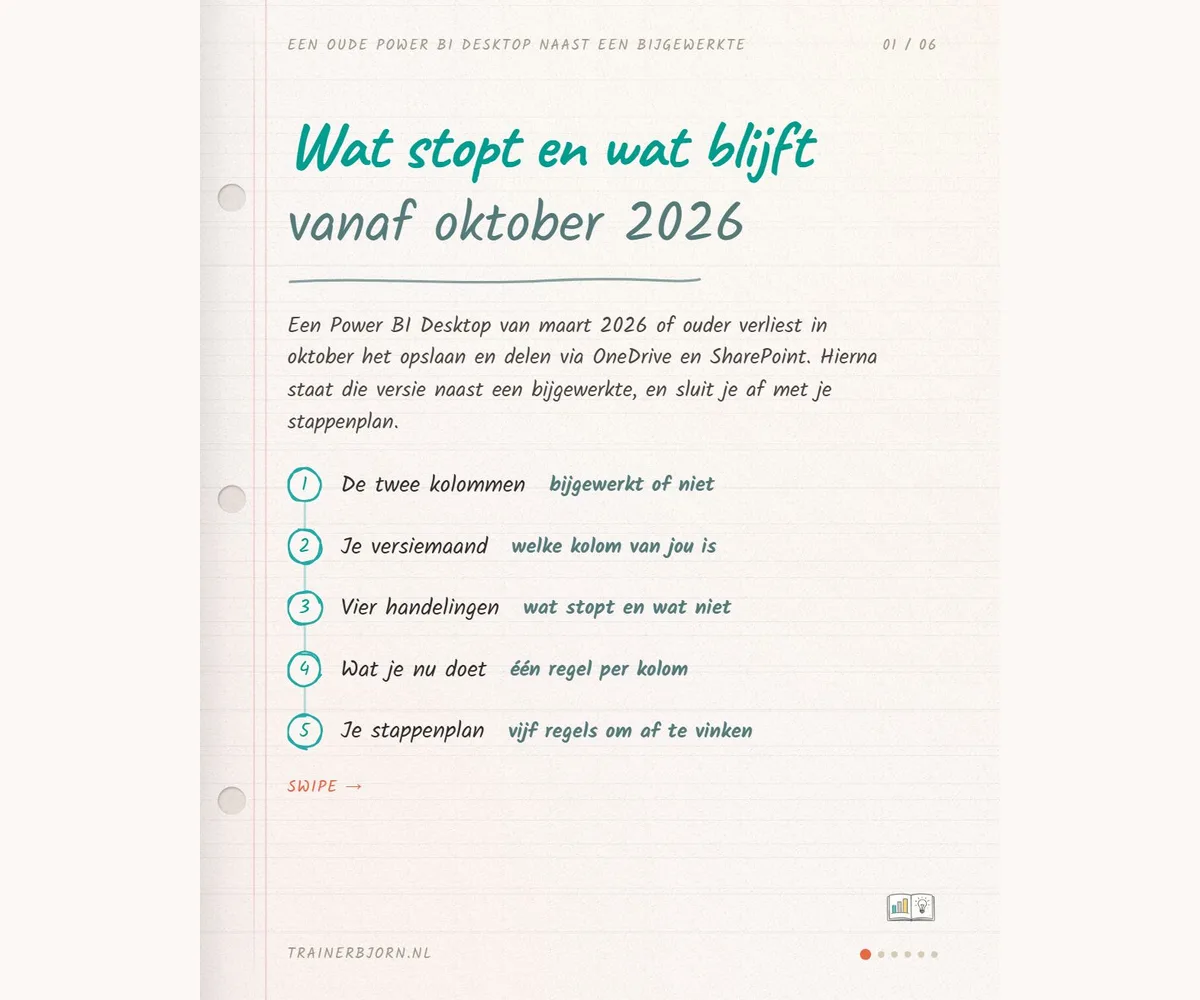
You update your report every month, refresh it so the numbers are current, and then put the file on the team site in OneDrive or SharePoint so your colleagues can open it. That has worked for years, without you ever checking which version of Power BI Desktop runs that on your own machine. From October, that starts to matter for part of this audience.
What changes, and what it hangs on
Power BI Desktop is the program on your own computer where you build the report. From October, a Power BI Desktop version from March 2026 or older can no longer save to OneDrive and SharePoint, and can no longer share through those two places either. That hangs on the file picker, the window Power BI Desktop opens whenever you save or open something, with your folders and your OneDrive and SharePoint locations in it. Microsoft is removing the old version of that window, and saving and sharing run straight through it. The announcement sits on the Power BI what’s-new page under the heading about the old file picker being retired, and it names October 2026 as the month, without a day.
The check: thirty seconds under Help
You can see quickly whether this affects you. Open Power BI Desktop, go to Help and then About, and read the month next to your version. If it reads February 2026, you are under the boundary and saving will stop working in October. If it reads May 2026, nothing changes for you.
Updating, by install type
Updating is the whole fix, and which step that means depends on where your install came from. A copy from the Microsoft Store updates itself. A copy you downloaded yourself needs a fresh download from Microsoft. On a managed laptop, IT pushes that button, and your own action is an email with the month you read under About.
The boundary of the announcement
The announcement covers only saving to and sharing through OneDrive and SharePoint from Power BI Desktop, and only versions from March 2026 or older. It says nothing about reports that already sit in those places, and nothing about the Power BI Service, the web version in your browser, either. Refreshing keeps working exactly as it does now, schema, data or both. The deadline names a month without a day, so whoever checks for the first time only in October may already be too late.
Open Power BI Desktop this week, go to Help and then About, and read the month. If it reads March 2026 or older, start the update now. Stuck on a managed laptop where IT still needs to act? I am happy to think it through with you, find me at trainerbjorn.nl.